Site profile and settings
Your site's name, tagline, author, bios, links, and front page, plus the handle that sets its address.
Two screens decide who your site is. Profile holds what readers see: the site's name and tagline, you as the author, your about page, your social links, and what the front page says. Site settings holds where the site lives and whether it's on. Every theme reads the profile, so switching themes never loses any of it.
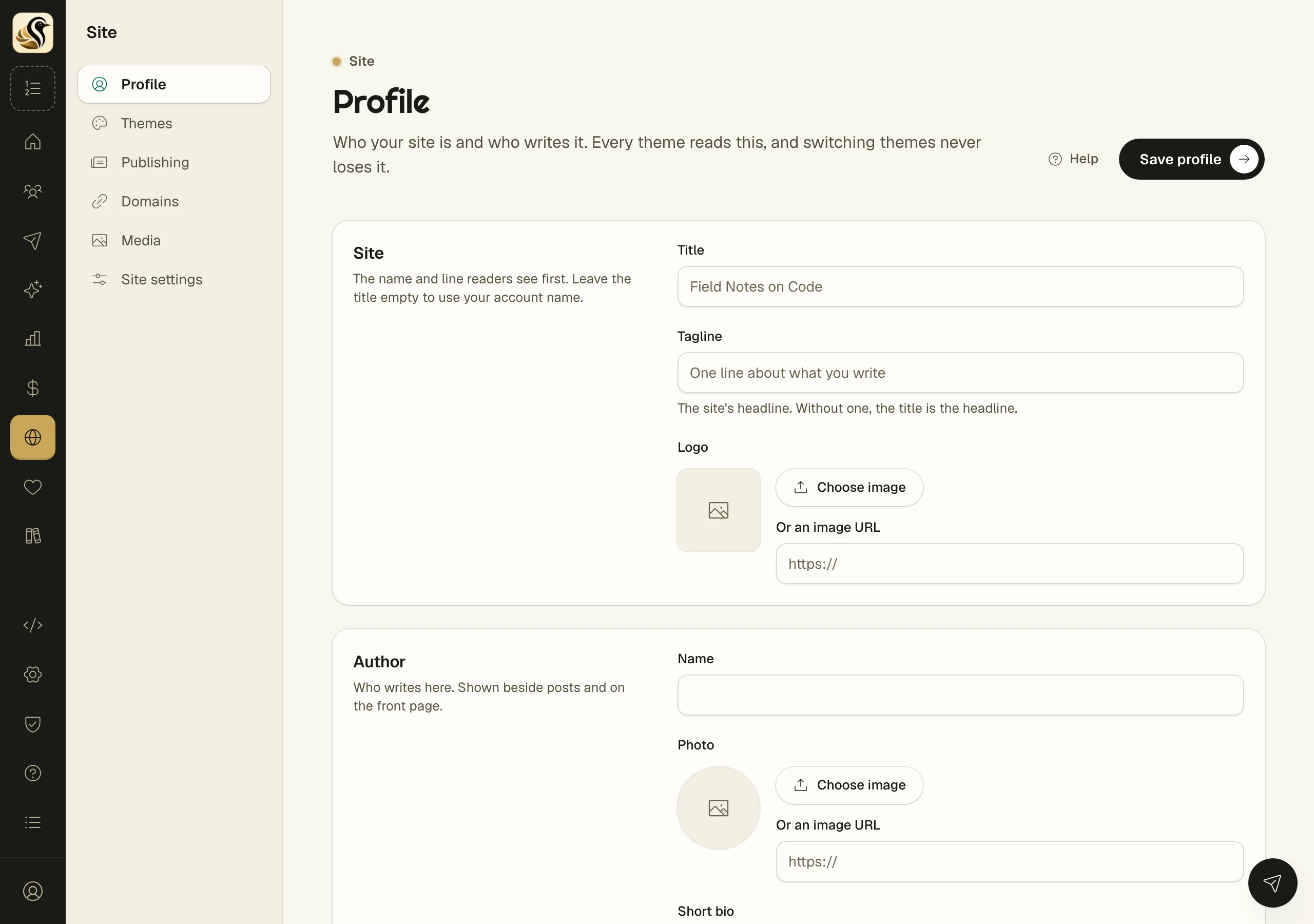
Fill in your profile
- Open Site > Profile.
- Under Site, set the Title and Tagline, and add a Logo. Leave the title empty to use your account name. The tagline is the site's headline; without one, the title is.
- Under Author, add your Name, a Photo, and a Short bio. Leave a blank line in the bio to start a new paragraph.
- Under About page, write the longer story. It works like the editor: press / for blocks.
- Under Social profiles, paste the full address of each profile, starting with https://.
- Under Front page, write the Lede, add up to six What I do rows (a title, an icon, and a description), and add Links to things like your podcast or your talks.
- Click Save profile.
For any image, click Choose image or paste an address into Or an image URL. An uploaded image wins over a typed address.
Change your handle
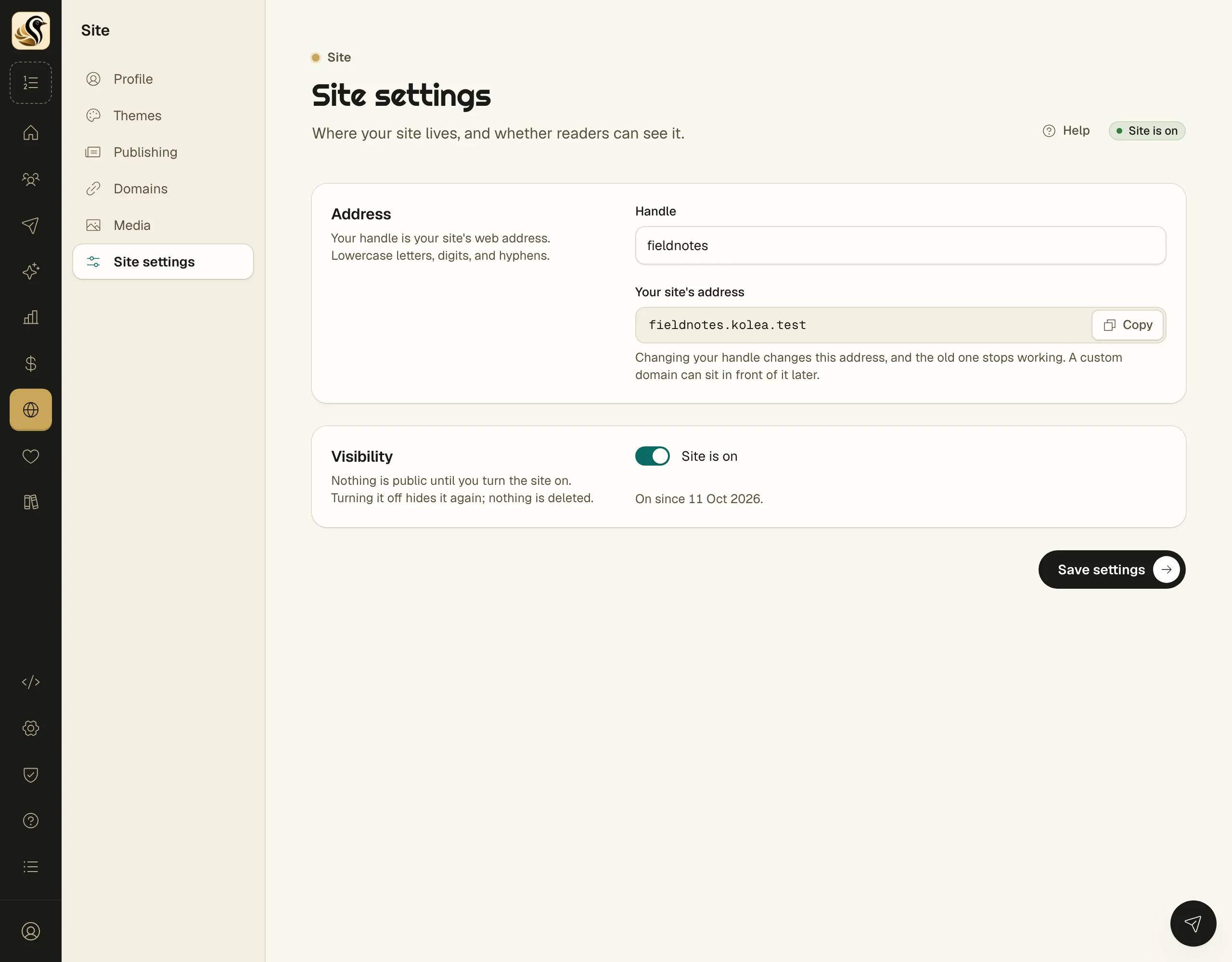
Your handle is your site's address on Kōlea.
- Open Site > Site settings.
- Type a new Handle: lowercase letters, digits, and hyphens. The page says whether it's available as you type.
- Click Save settings.
Your site's address shows the result, with Copy beside it.
What happens next
Your theme reads the saved profile, so the front page, the author card, and the about page change with it. Your site has an About page only when the about page has words in it, and links to it appear only then.
Things to know
- Changing your handle changes your site's address, and the old one stops working. A custom domain can sit in front of it.
- If anything in the profile isn't valid, nothing is saved, and the page names the problem.
- Social profiles show in a fixed order, and empty ones are left out.
- A What I do or Links row with no title is left out.
- The signup box on your site posts to the form you chose with Use for my site's subscribe box under Money > Forms.