Welcome to Kōlea
The setup checklist that gets you from a new account to a first draft, and the Dashboard after it.
Kōlea holds your list, sends your mail, runs your site, and sells your work. A new account opens on Get started, a checklist of nine steps that asks one question per screen. Each answer is already filled in with a sensible guess, so most steps take a click. Setup never sends mail.
How to work through the checklist
- Open Get started from the top of the left rail. It opens at the step you were on last.
- Answer the question on screen, or change the answer that is filled in, and continue.
- If a step can wait, click Skip for now. It stays on the checklist, marked "Skipped for now".
- Click any step in the Checklist column to go back to it. Every answer can be changed later.
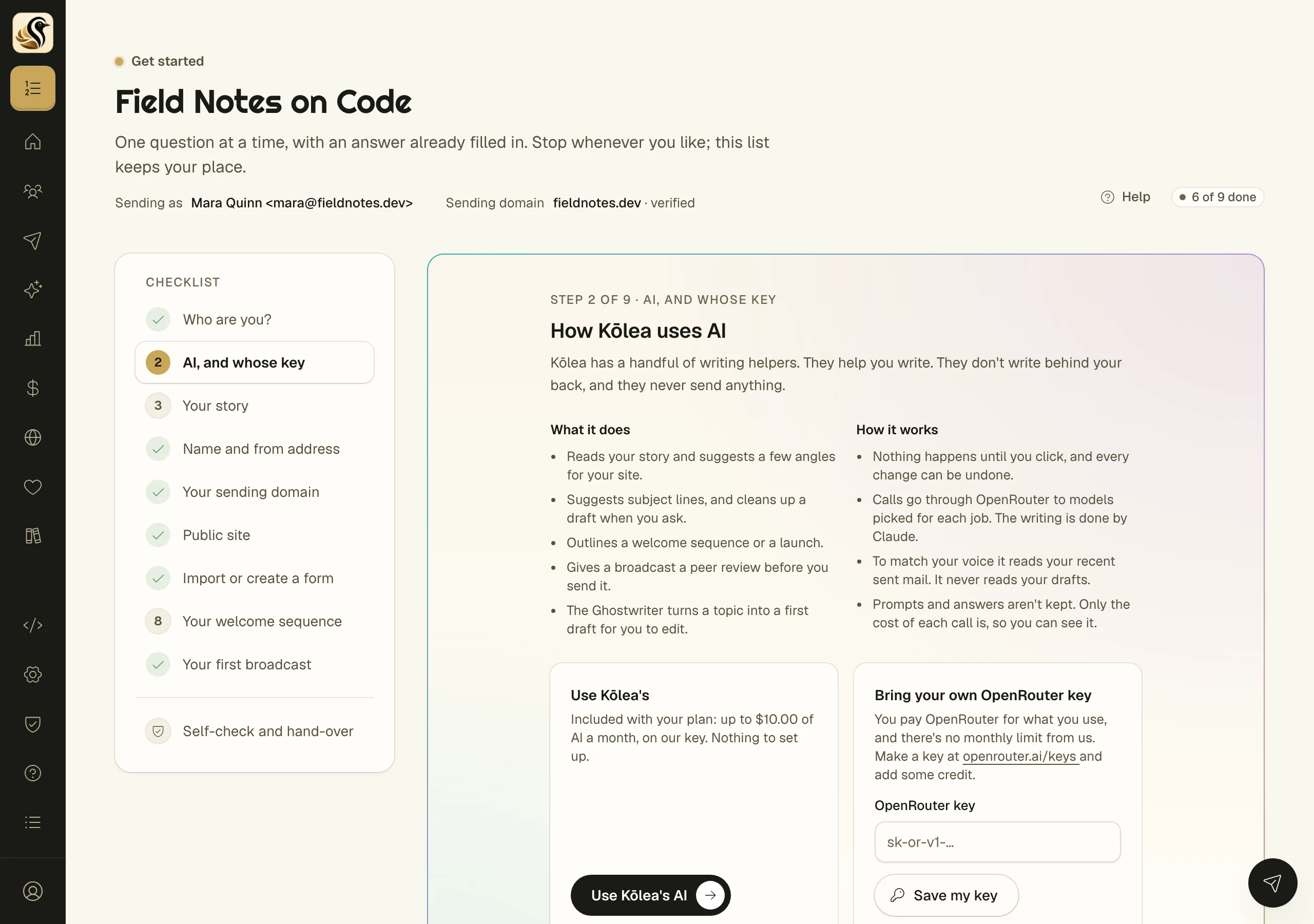
The nine steps:
| Step | What it sets up |
|---|---|
| Who are you? | Your name, your business, and the email you sign in with |
| AI, and whose key | Use Kōlea's AI, or bring your own OpenRouter key. See AI keys |
| Your story | What you do, in your own words, and a read of it. See Your story |
| Name and from address | Who your mail is from |
| Your sending domain | The domain your mail is signed by. See Sending domains |
| Public site | Whether you want a site now, with its title, tagline, bio, and links |
| Import or create a form | Bring your list, or make a signup form. See Importing a list |
| Your welcome sequence | A few short mails for each new subscriber, saved switched off |
| Your first broadcast | A draft with a subject, opened in the composer |
Before anything that cannot be undone, such as adding a domain or putting your site online, the screen says in one line what is about to happen and waits for your yes.
The last screen, Check that it is safe, then hand over, has a Run the self-check button. It visits your admin, preference center, tracking, signup form, and site as a stranger with no login, and reports whether each one answers the way it should. Below it is Yours to do next: send yourself a test, click unsubscribe in it, tighten DMARC after a week, and add a postal address. Click Finish onboarding when you are done.
The Dashboard
Dashboard is where you land after setup. Until onboarding is finished, a Finish setting up card sits at the top with the same checklist and a Continue button.
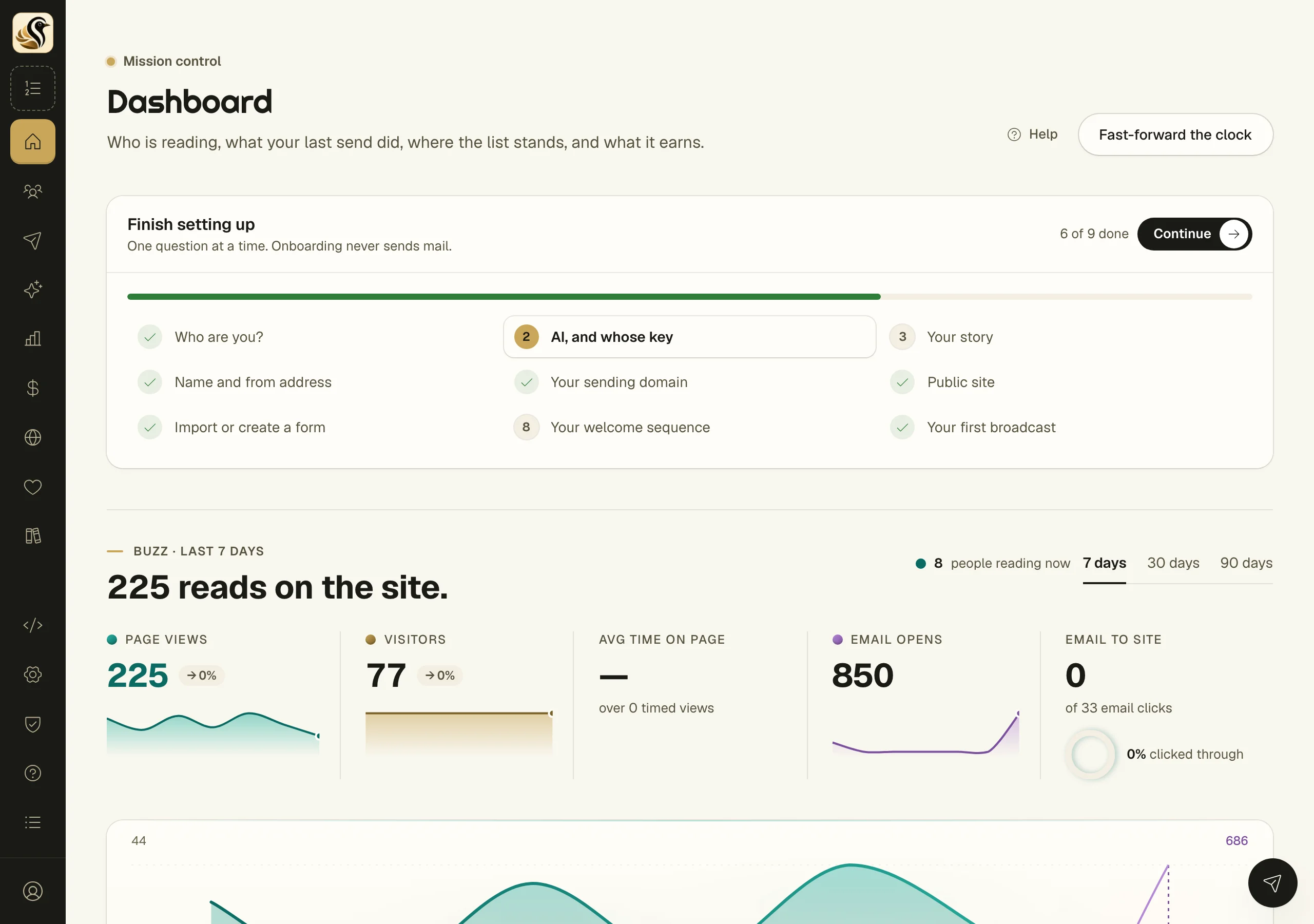
Below it, in bands: reads on your site, your last send, where the list stands (active, waiting to confirm, off the newsletter, undeliverable), what the list is worth, your goals, and recent sends. Switch the range with 7 days, 30 days, or 90 days. A band with nothing real in it yet shows sample figures marked Sample, and switches to your own numbers once there are any.
Things to know
- Onboarding never sends mail. The first broadcast step saves a draft and nothing more.
- Only owners and admins can change how the account is set up.
- The welcome sequence is saved switched off. You turn it on when you are happy with it.