Your account
Every address and command for your account in one place, filled in when you are signed in.
The addresses below are examples. Signed in, this page shows your own, ready to copy.
Sign in to see yoursThis page collects the addresses and commands you reach for most: where your admin and site live, a ready request for sending transactional mail, your forms, your feeds, and where Stripe reports sales. Signed in, every value below is your own and every command works as written. Signed out, you see examples.
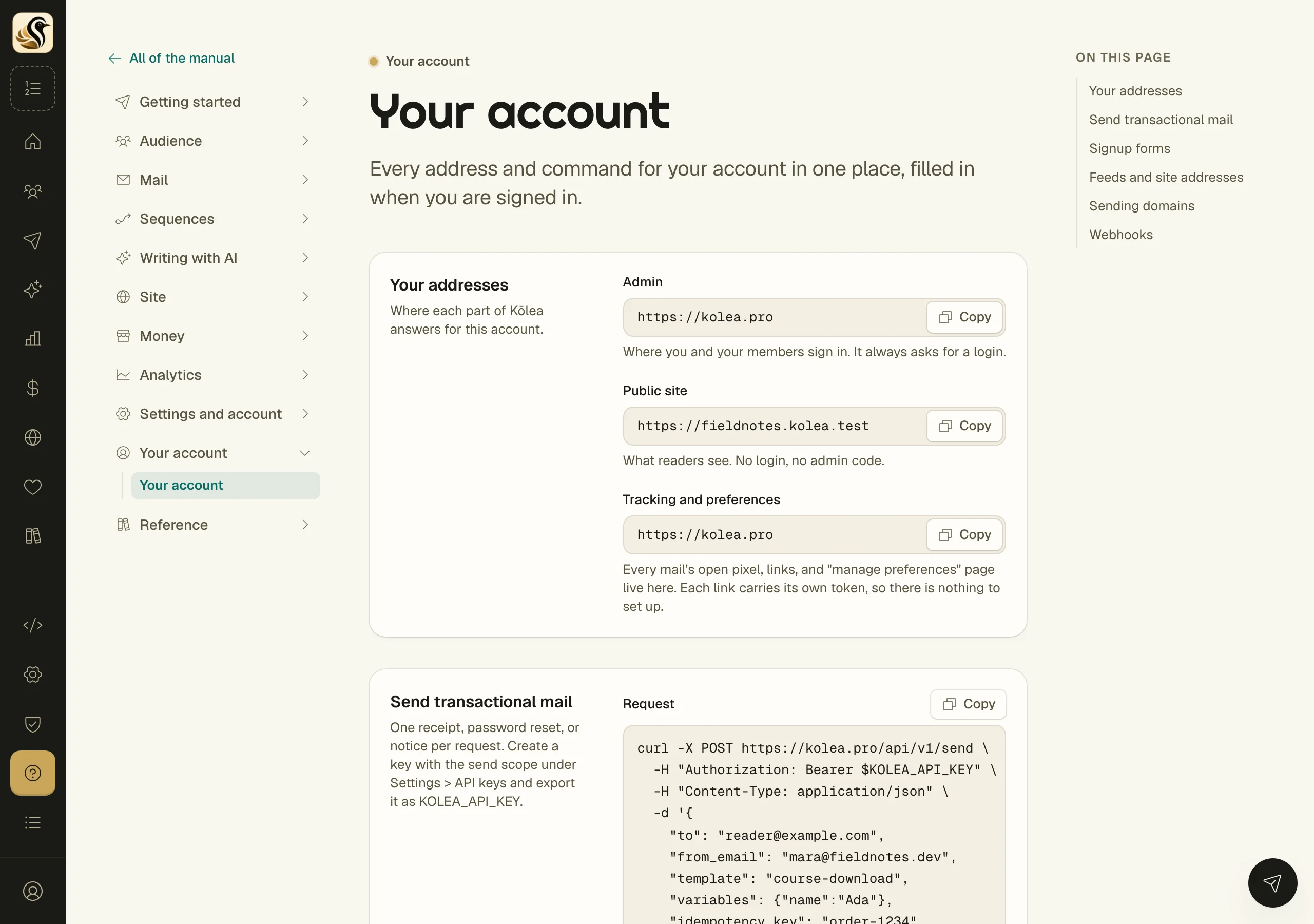
Your addresses
| Address | What it is |
|---|---|
| https://kolea.pro | Your admin. Where you and your members sign in. It always asks for a login. |
| https://you.kolea.pro | Your public site. What readers see: no login, no admin. |
| https://kolea.pro | Tracking and preferences. Every mail's open pixel, links, and "manage preferences" page live here. Each link carries its own token, so there is nothing to set up. |
If your site is off, turn it on under Site > Site settings and its address appears. See Your addresses.
Send transactional mail
One request sends one receipt, password reset, or notice. Create a key with the send scope under Settings > API keys and export it as KOLEA_API_KEY, then:
curl -X POST https://kolea.pro/api/v1/send \
  -H "Authorization: Bearer $KOLEA_API_KEY" \
  -H "Content-Type: application/json" \
  -d '{
    "to": "reader@example.com",
    "from_email": "you@your-verified-domain.com",
    "subject": "Your receipt",
    "markdown": "Thanks for your order, **Ada**.",
    "idempotency_key": "order-1234"
  }'
The reply is 202 with the message id once the mail is queued. Send the same idempotency_key again and you get the first answer back, not a second mail. Mail can only come from a domain your account has verified, such as you@your-verified-domain.com. See Transactional mail and the send API.
Signup forms
Each form has a hosted page and takes a POST from any site, as HTML or JSON. Signed in, this page lists each of your forms with its hosted address and a command that signs someone up. Make forms under Money > Forms. See Signup forms and the forms API.
Feeds and site addresses
Once your site is on:
- RSS feed: https://you.kolea.pro/feed.xml, every published post, newest first.
- Sitemap: https://you.kolea.pro/sitemap.xml, for search engines.
- Subscribe page: https://you.kolea.pro/subscribe. Link to it from anywhere; it posts to your site's signup form.
Sending domains
Signed in, this page lists each sending domain with its status: Verified, Waiting for DNS, or Failing. Click one to see the DNS records to create. Add a domain under Settings > Sending domains. See Sending domains.
Webhooks
Stripe reports your sales to Kōlea. If you connected Stripe with Stripe Connect, there is no webhook to add on your Stripe. If your Stripe was connected the old way, with a restricted key, its endpoint is:
https://kolea.pro/webhooks/stripe/your-tokenIf Stripe is not connected yet, connect it under Money > Store. See Stripe.
Things to know
- Every value on this page comes from your account as it is right now. Change a domain or turn your site on, and the page follows.
- Treat your API key like a password. It is never shown on this page.