Media
Every image you've stored, wherever you added it, with its address to copy.
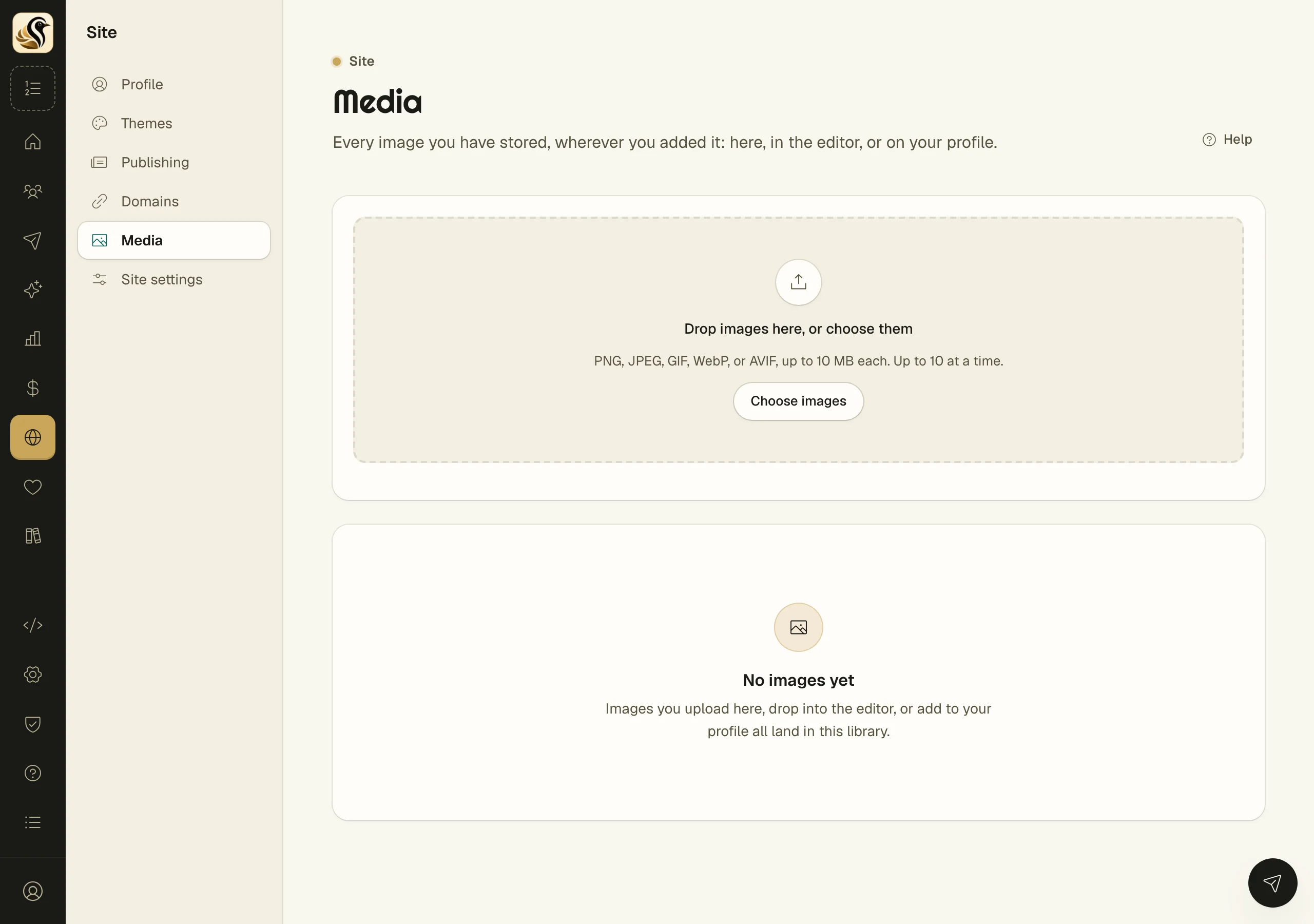
Media is your image library. Every image you upload lands here, whether you added it on this screen, dropped it into the editor, or chose it on your profile. From here you can upload more, copy an image's address to use somewhere else, and delete what you no longer need.
Upload images
- Open Site > Media.
- Drop images onto Drop images here, or choose them, or click Choose images.
Each image uploads as soon as you choose it. PNG, JPEG, GIF, WebP, and AVIF work, up to 10 MB each and up to 10 at a time. If some are refused, a notice says which ones and why, and the rest are stored anyway. Click Dismiss to clear it.
Use an image somewhere else
Click Copy address on an image. Paste it wherever an image address is asked for: a post's Image URL on its publishing screen, a logo or photo on your profile, or a theme setting.
Delete an image
- Click the delete button on the image.
- Read the warning and click Delete image.
What happens next
A deleted image is removed from your library and from storage. Anything that still shows it, such as a sent email or a page, shows a broken image instead. This can't be undone.
Things to know
- Images are checked when they arrive. A file that isn't really an image of an allowed type is refused, whatever its name says.
- The editor's images are stored here too, so an image you dropped into a broadcast is one you can reuse.