Your story and the pitch
What you do and your story in your own words, and a read that gives your site its angle.
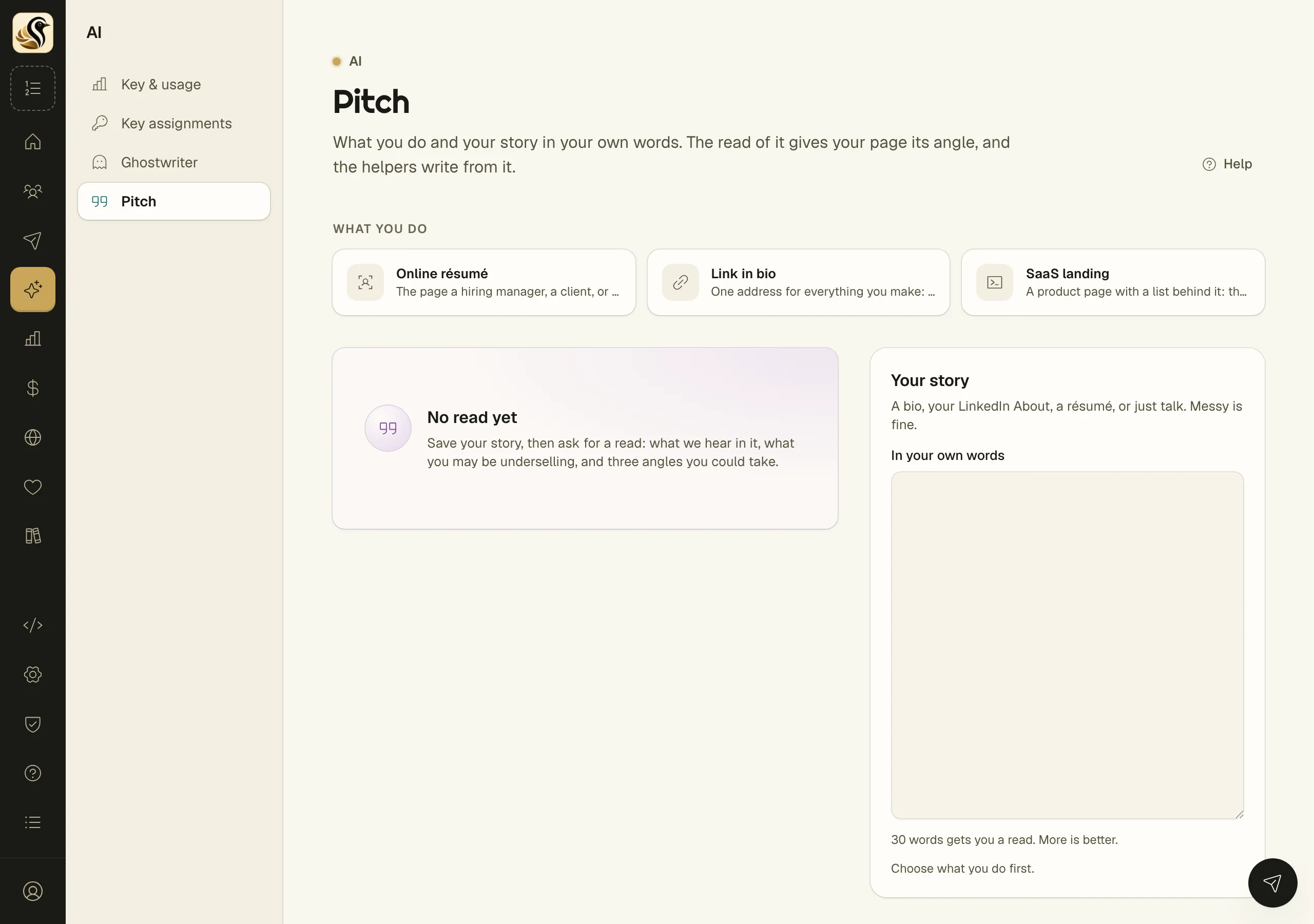
The Pitch page holds what you do and your story in your own words. A read of that story tells you what comes through, what you may be underselling, and three angles you could take. The angle you choose shapes how your site introduces you, and the writing helpers work from your story instead of guessing. You start this in the setup checklist under Your story; this page keeps it so you can change it later.
Tell your story
- Open AI > Pitch.
- Under What you do, choose one: Online résumé, Link in bio, or SaaS landing. Each frames the site for a different visitor.
- In Your story, fill in In your own words: a bio, your LinkedIn About, a résumé, or just talk. Messy is fine.
- Click Save story.
The count under the box says how close you are: 30 words gets you a read, and more is better.
Get a read
- After saving your story, click Read my pitch.
- Read the three parts that come back:
- What I'm hearing is: your story, said back to you in a sentence.
- Do you realize that you: things you may be underselling, each with the reason.
- The angle you play: three ways to pitch yourself.
- Click Play this one on the angle you want. It changes to Playing this one.
Read it again asks for a fresh read of the same story, and uses up another read.
What happens next
The angle in play gives your site its angle: the setup checklist's site step drafts your site title, tagline, and short bio from it, and the writing helpers work from your story. Nothing is published or sent from this page.
Things to know
- Choosing a different What you do clears the read, since it was made for the old one.
- Changing your story clears the read too, so it never describes words you've taken out.
- On Kōlea's key you get three reads. The page says how many you have left. On your own OpenRouter key you can read as often as you like.
- Only owners and admins can change the pitch. Other members can read it.
- The Read my pitch button appears only when AI writing help is on.