Invite other creators
Share your link, and earn a free month of your plan for each friend who becomes a paying customer.
If you know a creator who would like Kōlea, send them your share link. When they become a paying customer, you get a free month of your plan. The Invite screen holds your link, the deal in plain words, and how many people it has brought in.
How to share your link
- Open Settings > Invite.
- Under Your link, click Copy beside Share link.
- Send it to a friend, or put it anywhere people will see it.
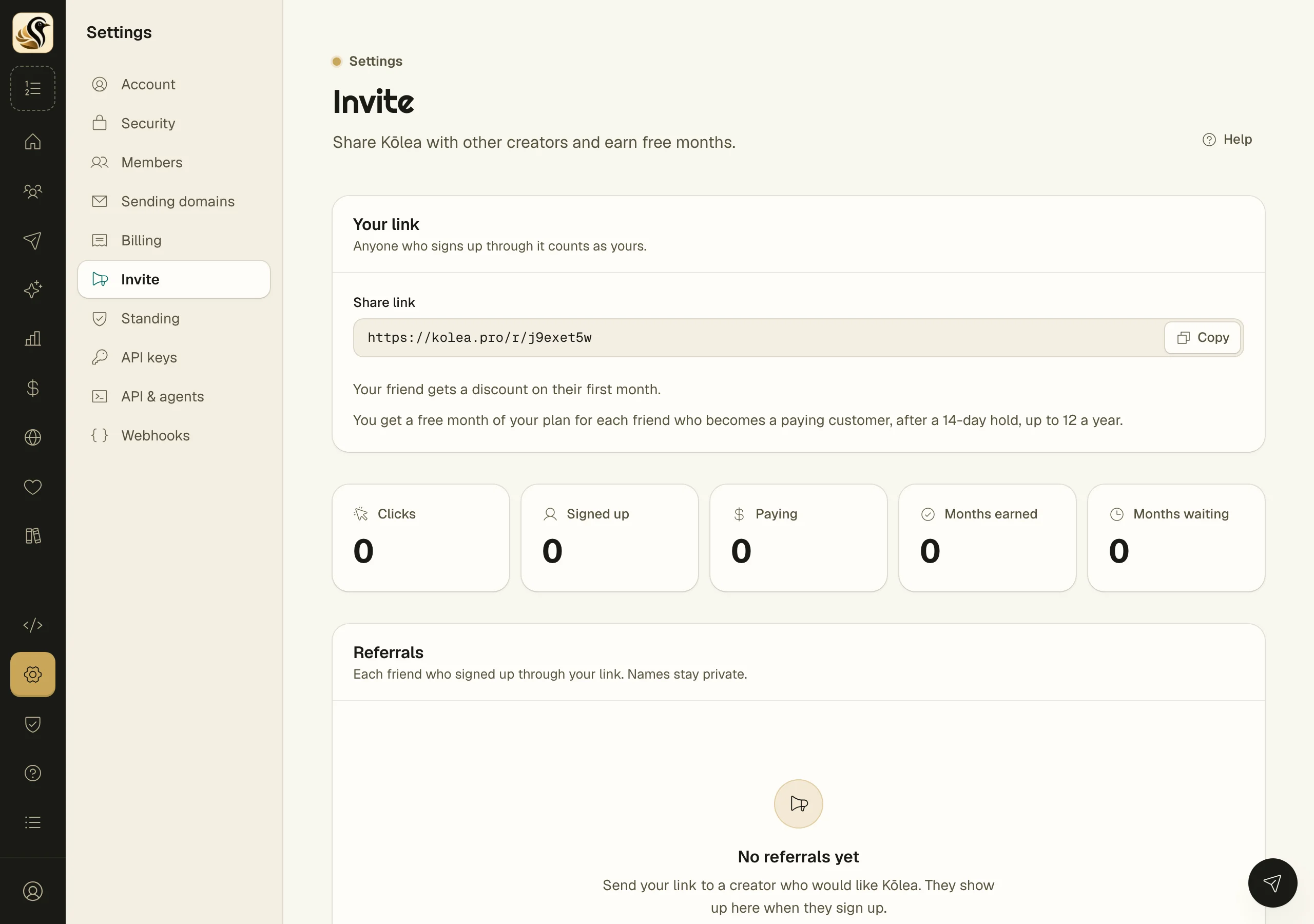
Anyone who signs up through the link counts as yours. The panel under the link states the deal for your account: how long the hold is after a friend starts paying, how many free months you can earn in a year, and whether your friend gets a discount on their first month.
What happens next
The counts along the page follow each step: Clicks, Signed up, Paying, Months earned, and Months waiting.
Owners also see Referrals, one row per friend, with the date they signed up, their status, and the credit:
| Status | Meaning |
|---|---|
| Signed up | They have an account, but are not paying yet |
| Paying, on hold until a date | They pay, and the hold has not ended |
| Paying, month waiting | The hold is over; your free month is waiting |
| Credited | The free month is on your bill |
| Not eligible | This one does not earn a month |
If months are waiting and your account is on the free plan, they are applied when you pick a paid plan. The notice on the page links to Billing.
Things to know
- Names stay private. The list never shows who your friends are.
- Everyone on your account can see and share the link and the counts. Only an owner sees the list of referrals, because it shows credits on your bill.
- A free month is a month of the plan you are on.