Takes
The Ghostwriter writes every mail of a sequence beside yours, and you choose mail by mail what to use.
A take is the Ghostwriter's version of a sequence you already have. It writes every mail beside yours without touching them, and you read the two side by side and decide, one mail at a time, whose words go in. Nothing in the sequence changes until you say so, and every choice can be undone, so a take is a second draft you can compare against, not a replacement.
Start a take
- Open Mail > Sequences and open the sequence.
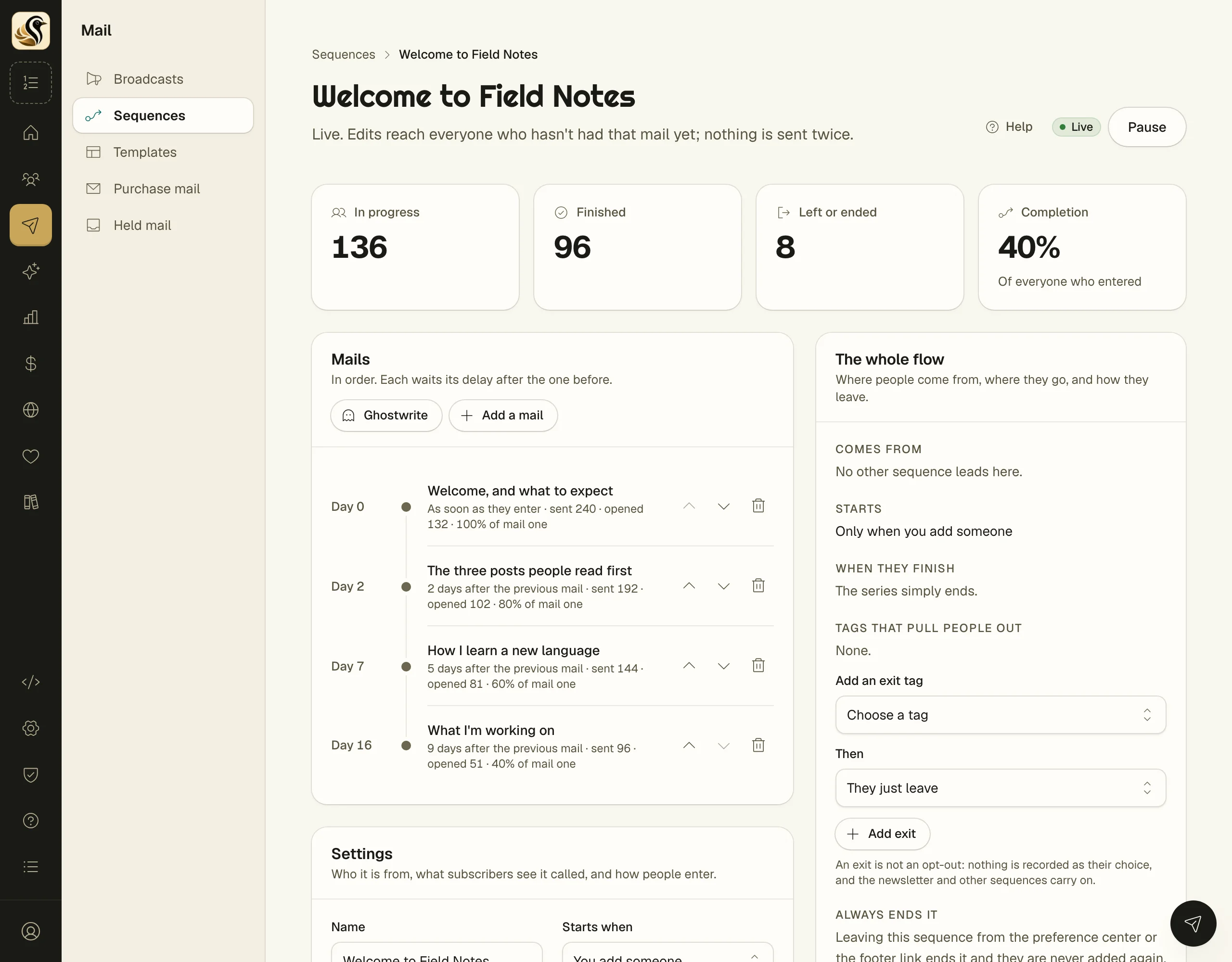
- If its mails are still unwritten, click Write a take on the Ghostwriter card above Mails. Otherwise click Ghostwrite at the top of the Mails panel.
- Fill in The topic, What it should do, and Your notes. Anything it can't know (a price, a date, a student's result) stays in double square brackets for you to fill in.
- Set How finished, the pitch, and the voice. These are the same settings as the Ghostwriter.
- Click the button at the bottom of the dialog.
A sequence with no mails yet asks for The shape it follows first. Its mails are added with the template's words, then written over in the take.
Writing a take takes a minute or two and keeps going if you close the dialog. While it writes, the sequence page says Take 1 is writing with Watch it. When it is done, it says the take is ready to read; click Read it.
Read a take
The take page lists every mail down the left with its day and where it stands: to read, used, kept yours, or didn't write. Click one to read it on the right. Switch between Take 1 and Yours above the mail to compare.
For each mail:
- Use this mail puts the take's words into that step. Your words are kept on the take.
- Keep mine leaves the step as it is.
- Put mine back or Use this one after all undoes the choice.
- Open the mail takes you to the step to edit it.
To take every mail you haven't decided on yet, click Use the N left at the top. It asks first, and each one can still be put back.
If you write more than one take, the list at the top of the page switches between them. Nothing is thrown away.
What happens next
Each mail you used opens with a note asking you to read it over. Read it, make it yours, then delete the note. The sequence can't go live until every note is gone.
Things to know
- A live sequence can't take ghostwritten words, because they would be sent as they are. The take page offers Pause it. Paused, nobody new enters and nobody is mailed, and everyone keeps their place.
- If the Ghostwriter couldn't write one mail, that mail says so and yours is unchanged.
- Takes appear only when AI writing help is on for your account.