Automate
Tags and segments
Group readers by what they've done, and email just that group.
What it is
Tags are how you remember things about people: what they signed up for, what they clicked, what they bought. Segments are how you email just the people you mean.
Kōlea keeps both simple on purpose, and makes them safe to tidy up later, which in my experience is when tag systems usually turn into a mess.
01 Tags and segments
Tags that apply themselves
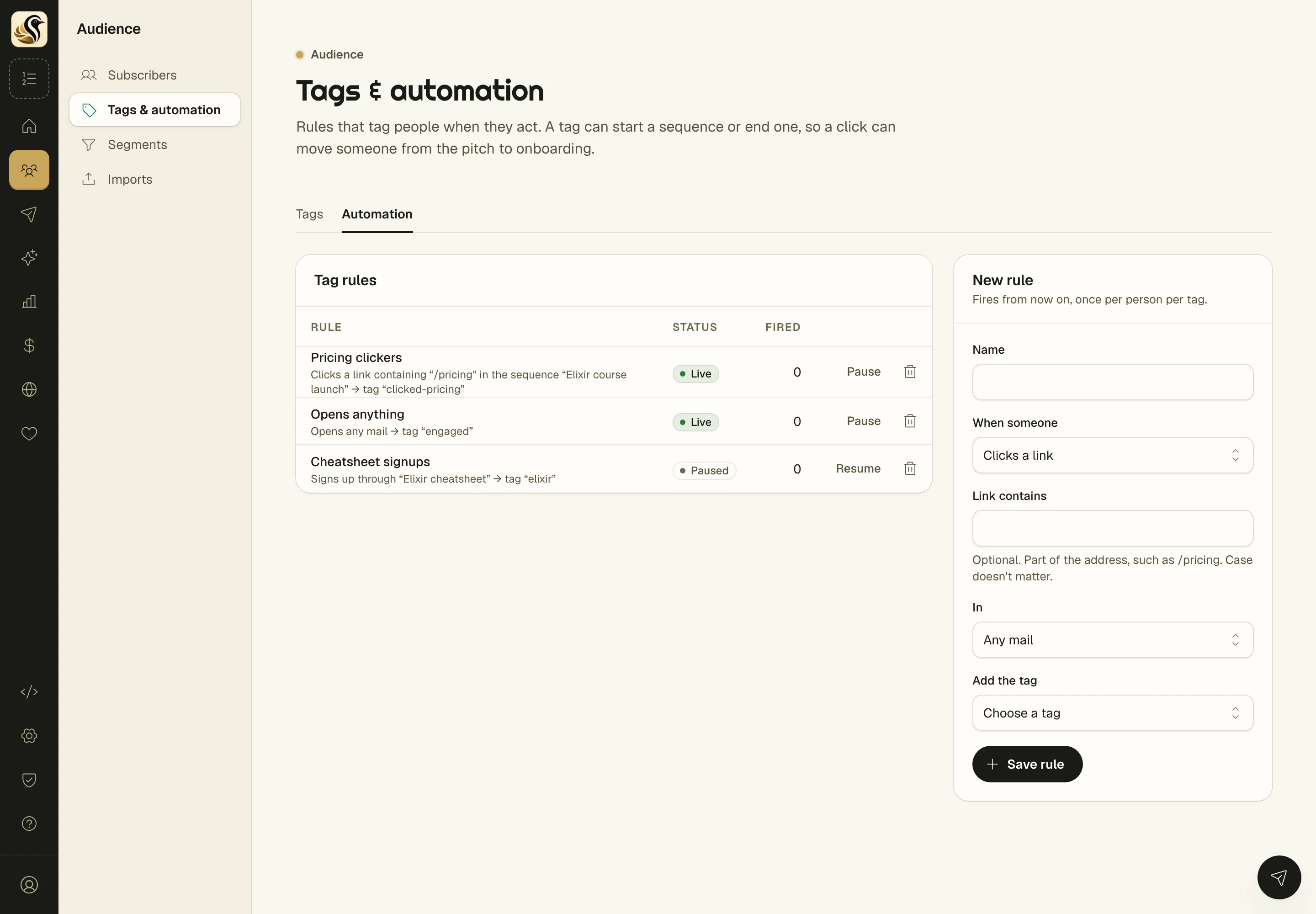
Set up a rule and Kōlea tags people when they act: open a mail, click a link with "/pricing" in it, or fill in a form. A tag can start a sequence or end one, so a click can move someone from the pitch to onboarding.
-
Rules that fire from now on, once per person per tag, so turning on a rule never tags people for something they did last year.
-
Machine opens don't count, Apple opens a lot of mail on its own, and nobody should get tagged "interested" because their phone pre-loaded an email.
-
A count of how often each rule fired, and when it last did, so you can see which ones are actually doing something.
02 Tags and segments
Segments with a live count
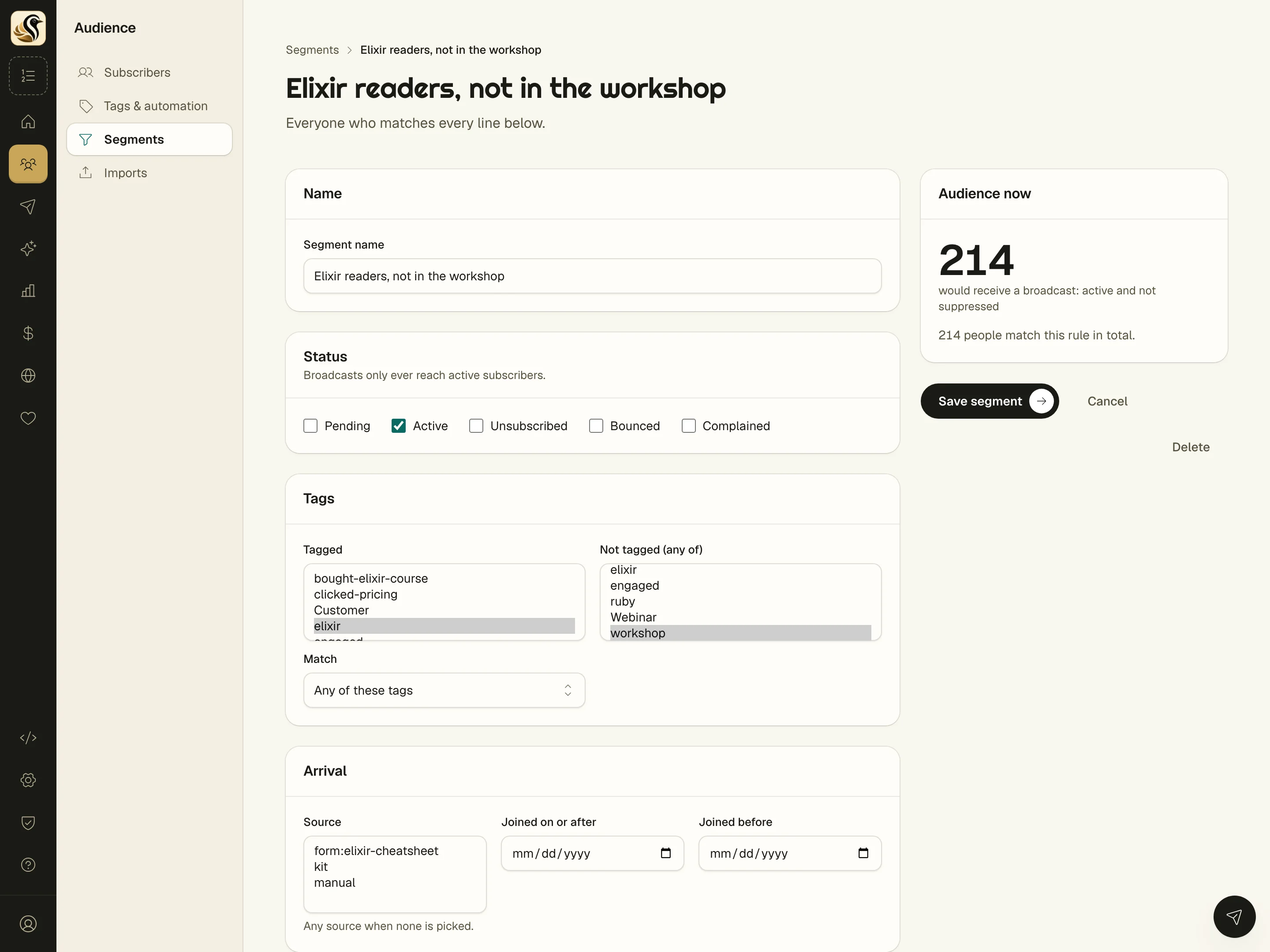
A segment is everyone who matches every line you set: tags they have, tags they don't, when they joined, where they came from, and any custom field. The count updates as you change it.
-
"Audience now" while you build, the number who'd get a broadcast right now, so you never save a segment of zero by mistake.
-
A broadcast keeps its own copy of the rule, so editing a segment later never changes mail that's already scheduled or sent.
-
Rename and merge tags without losing anyone, segments and automations follow along. A tag that's still in use can't be deleted until you see what depends on it.
The short version
- Tags can come from forms, clicks, purchases, or rules you set up.
- See how many people are in a segment before you save it.
- Merge and rename tags without losing anyone.
Try it on your own list
Free for your first 500 subscribers, no credit card needed. We'll help you move your list over.