The editor
Write long pieces with headings, images, code, tables, toggles, buttons, and merge fields. Press / for blocks.
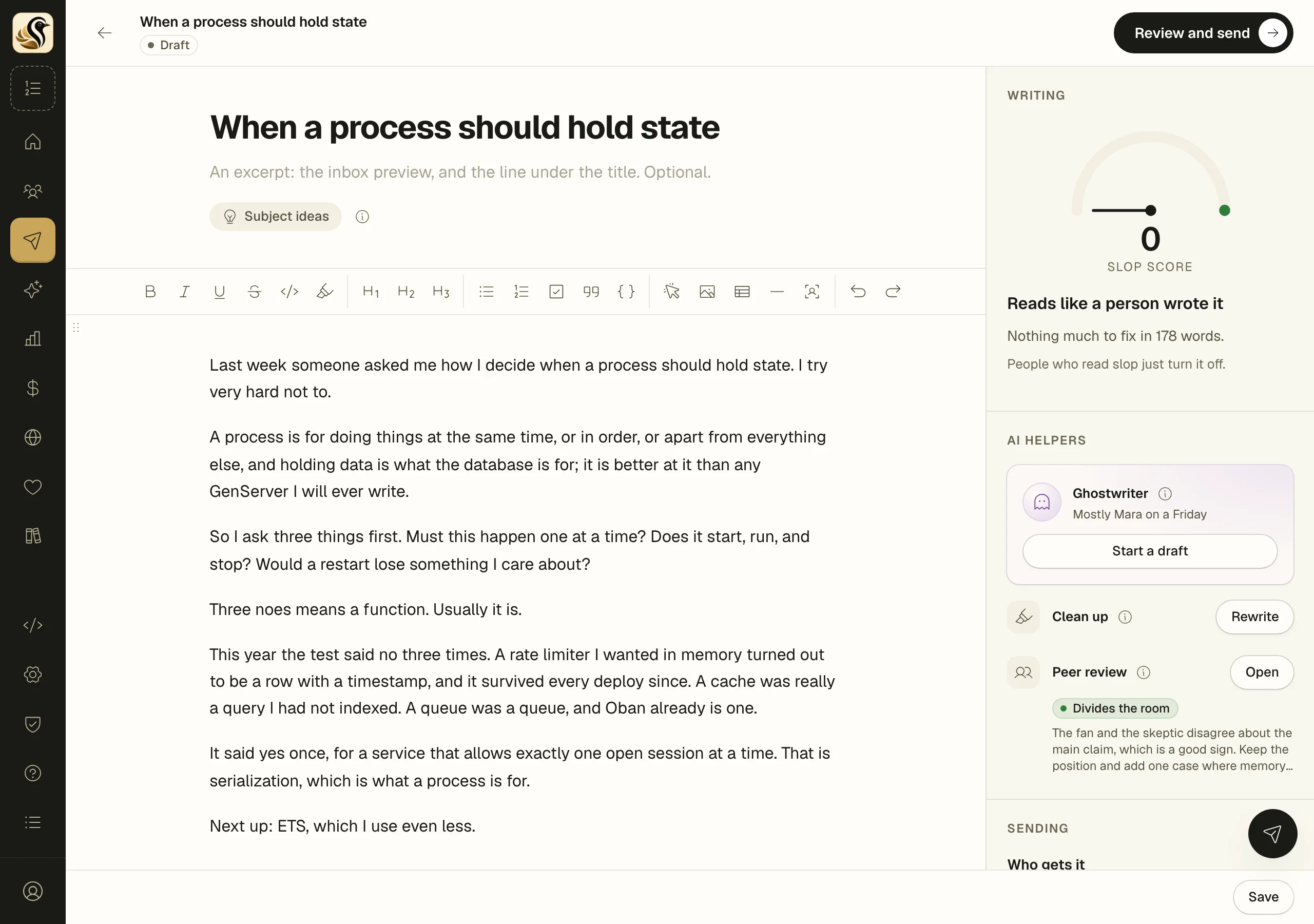
The editor is a quiet page for long writing. The same editor writes broadcasts, sequence mails, and posts, so what you learn here works everywhere. The page in the middle is what readers get; the column on the right holds the writing check, the AI helpers when AI is on, and the settings for the send.
Add a block with the slash menu
- Start a new line and type /.
- Keep typing to filter, for example "/tab" for a table.
- Press Enter, or click the block you want.
The menu offers Text, Heading 1 to Heading 3, Bullet list, Numbered list, Checklist, Button, Image, Code block, Quote, Divider, Table, Toggle, YouTube, Testimonials (when you have published ones), and Personalise. The toolbar above the page has the common ones too, plus bold, italic, underline, strikethrough, inline code, highlight, undo, and redo.
Images
Drop an image onto the page, paste one, or use Image in the slash menu. PNG, JPEG, GIF, WebP, and AVIF work, up to 10 MB each and four at a time. Each image is stored in your media library. If one is refused, the editor says why, just under the toolbar.
Buttons and links
Select text and the selection menu offers a link. A Button is a call to action: type its label on the page, then select it to set the link, the colour, and the alignment.
Code
A Code block highlights bash, CSS, diff, Elixir, Go, JavaScript, JSON, Markdown, Python, Ruby, Rust, SQL, TypeScript, XML, and YAML. Use inline code from the toolbar for a word or two inside a sentence.
Toggles and embeds
A Toggle is a collapsible section with a title. On your site it opens and closes. Mail clients cannot do that, so in mail it shows as a titled box with everything inside visible.
YouTube asks for the video's link. On your site the video plays; in mail it becomes a link, because mail cannot play video.
Merge fields
Type @, or choose Personalise, to insert a field: First name, Full name, or Email address. It shows as a chip, so it cannot be misspelled. First name falls back to "there" for people you have no name for.
Things to know
- A draft saves when you click Save, Save and send a preview, or Review and send.
- Drag the handle at the left of a block to move it.
- The underlines are the Slop meter at work. They never change your text and never reach the mail.
- With Publish on the site when it sends on, the piece also goes up as a post on your site when it is sent.