Security
The GitHub and Google logins linked to you, and every place you are signed in now.
Sign-in and security is about you, not the account: how you sign in to Kōlea, and every browser where you are signed in right now. Check it if you lose a laptop, use a shared computer, or see a sign-in you do not recognise.
How to link GitHub or Google
- Open Settings > Security.
- Under Linked logins, click Connect GitHub or Connect Google.
- Approve Kōlea at the provider. It sends you back here.
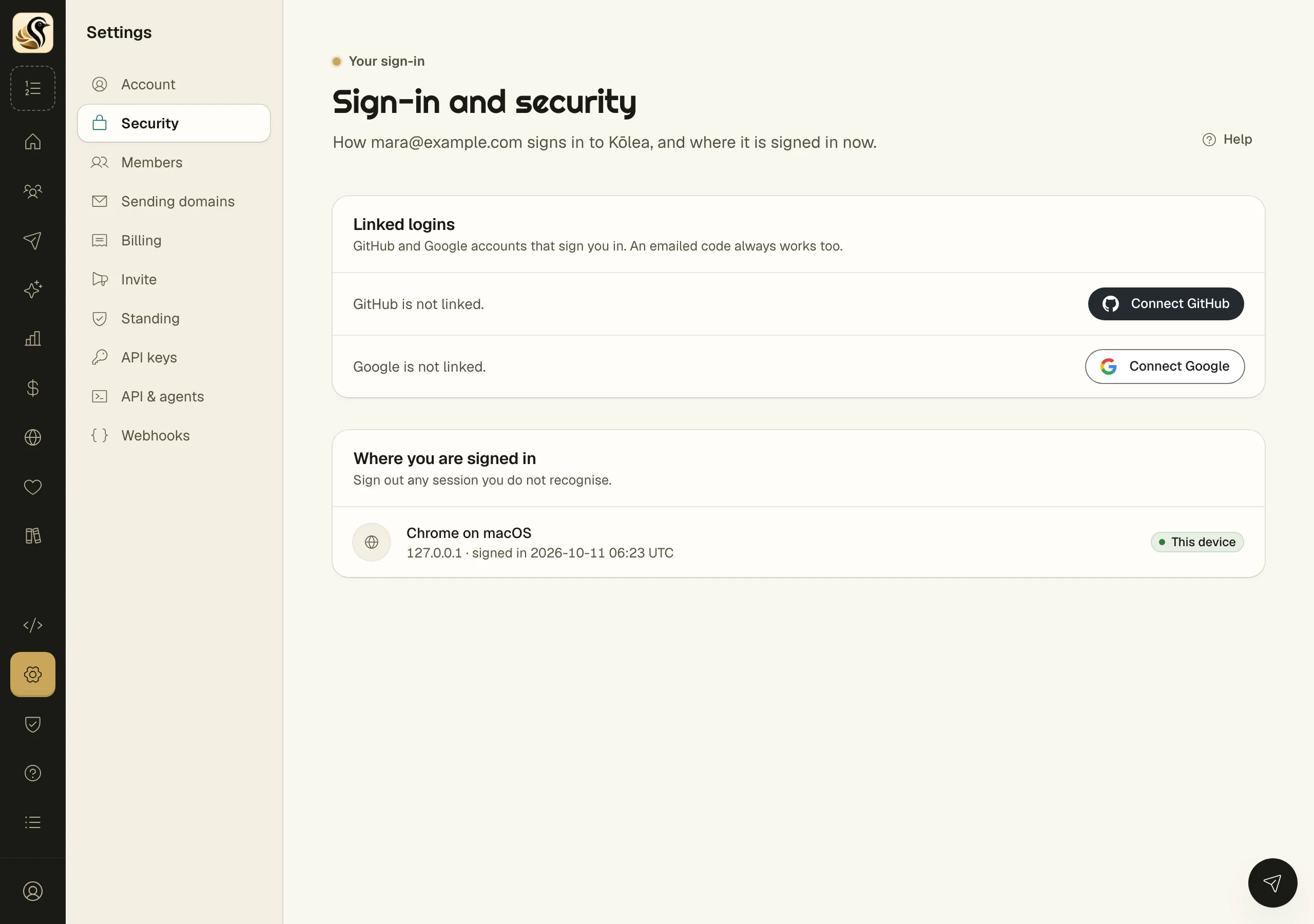
A linked login shows the address the provider shared, when you linked it, and when it was last used. To stop it signing you in, click Unlink and confirm. An emailed code always works, whatever you link or unlink.
How to sign out of other places
Where you are signed in lists each session: the browser and system, where it signed in from, and when. The one you are using now is marked This device.
- Find the session you do not recognise, or no longer use.
- Click Sign out on its row.
To end every session but this one at once, click Sign out everywhere else.
What happens next
A signed-out session is gone at once. Whoever was using it has to sign in again, which means getting a code from your email or using a login linked to you.
Things to know
- Kōlea has no password to change or reset. Your email is the key, so keep that mailbox safe.
- A GitHub or Google account can be linked to one Kōlea sign-in at a time. Unlink it from the other first.
- These settings belong to you and follow you into every account you are a member of.
- If you think someone else got in, sign out everywhere else, then check Logs for what happened.