Purchase mail
A thank-you for each product, with each buyer's own download link, sent once per sale.
Purchase mail is the thank-you a buyer gets after they pay: a few warm lines, their own download links, and anything else they need, such as a Discord invite. It is a receipt, not marketing, so it reaches buyers who never joined your list. You write one template per product, plus one that covers everything else.
Write a purchase template
- Open Mail > Purchase mail and click New template.
- Under Product SKU, enter the SKU of the offer it thanks. Enter
*instead for a template that covers every other purchase. - Give it a Name (only you see this) and a Subject.
- Write the body. The Merge values panel lists what you can use, each written inside double curly braces:
- offer_name: what they bought, as "A, B and C", or "your purchase".
- downloads: a list of their files, each with their own download link.
- account_url: your customer dashboard, set under Money > Store > Settings.
- discord_url: this template's Discord invite.
first_name: their first name, with a fallback after a vertical bar, as in first_name|friend.
- Leave Active ticked and click Save template.
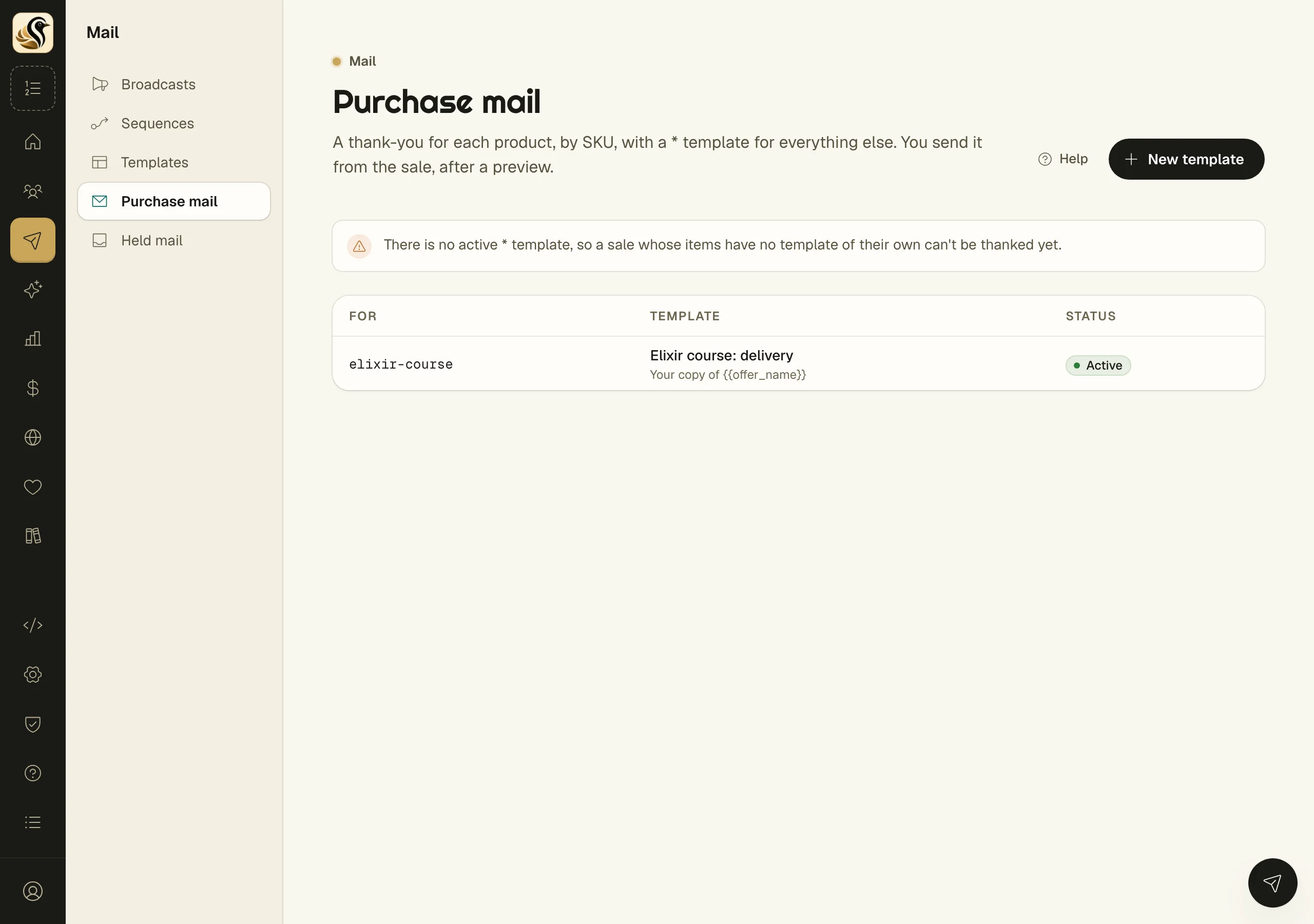
Which template a sale gets
Kōlea looks at the items in the sale in order and uses the first one that has an active template. If none has one, it uses the active * template. A sale gets one mail, however many items it holds. If there is no active * template, the list warns you that some sales cannot be thanked yet.
Send it
The mail goes out one of two ways:
- By itself. If Send it by itself when someone buys on your site is on in Launch Studio, a buyer who pays on your site gets it the moment the sale is booked.
- From the sale. Open the sale under Money > Sales and click Send thank-you. Check the thank-you shows who it goes to, the subject, and the template. Click Send it. Once it has gone, the buttons read Send it again.
What happens next
The mail is sent from your verified domain with no footer and no tracking. The merge values are filled in when it is sent and do not change afterwards.
Things to know
- Sales recorded through the API or imported from a CSV never send purchase mail by themselves.
- A sale is thanked once. Send it again is a deliberate second mail, for a buyer who lost the first.
- A paused template falls back to
*. - Each SKU can have one template. A second one for the same SKU is refused.
- Deleting a template does not change mail already sent. Sales it covered fall back to
*. - Put the downloads value in every template for a product with a file, or the buyer has no link in the mail.