Transactional mail
Store a receipt, reset, or download mail once, then send it from your shop or app with one API call.
Transactional mail is the one-to-one mail your shop or app sends because someone did something: a receipt, a password reset, a download link. You write the mail once in Kōlea as a template, and your app sends it to one person with one request, filling in values such as the order number. It goes out from your own domain.
Write a transactional template
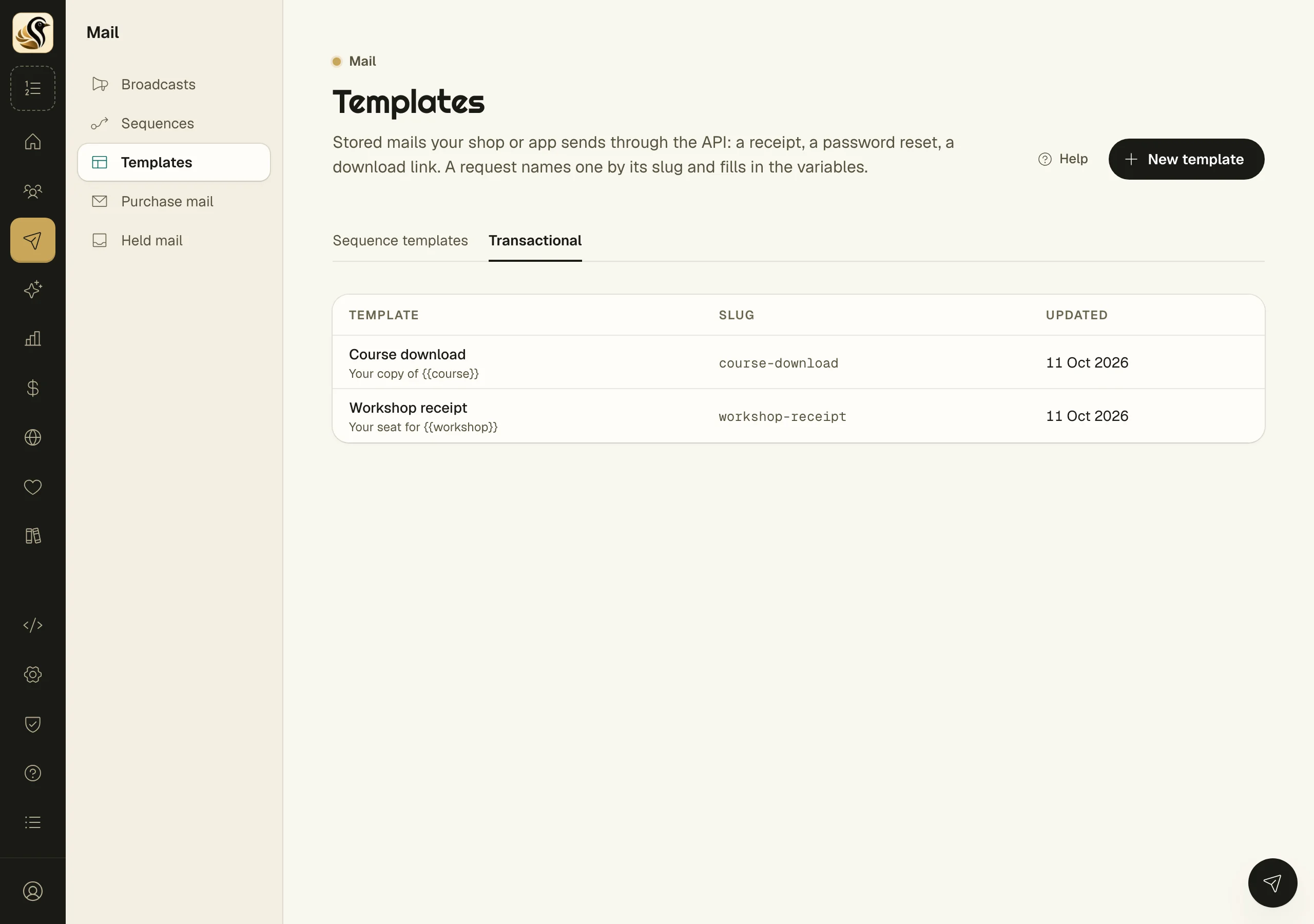
- Open Mail > Templates and click the Transactional tab.
- Click New template. A starter receipt opens for you to change.
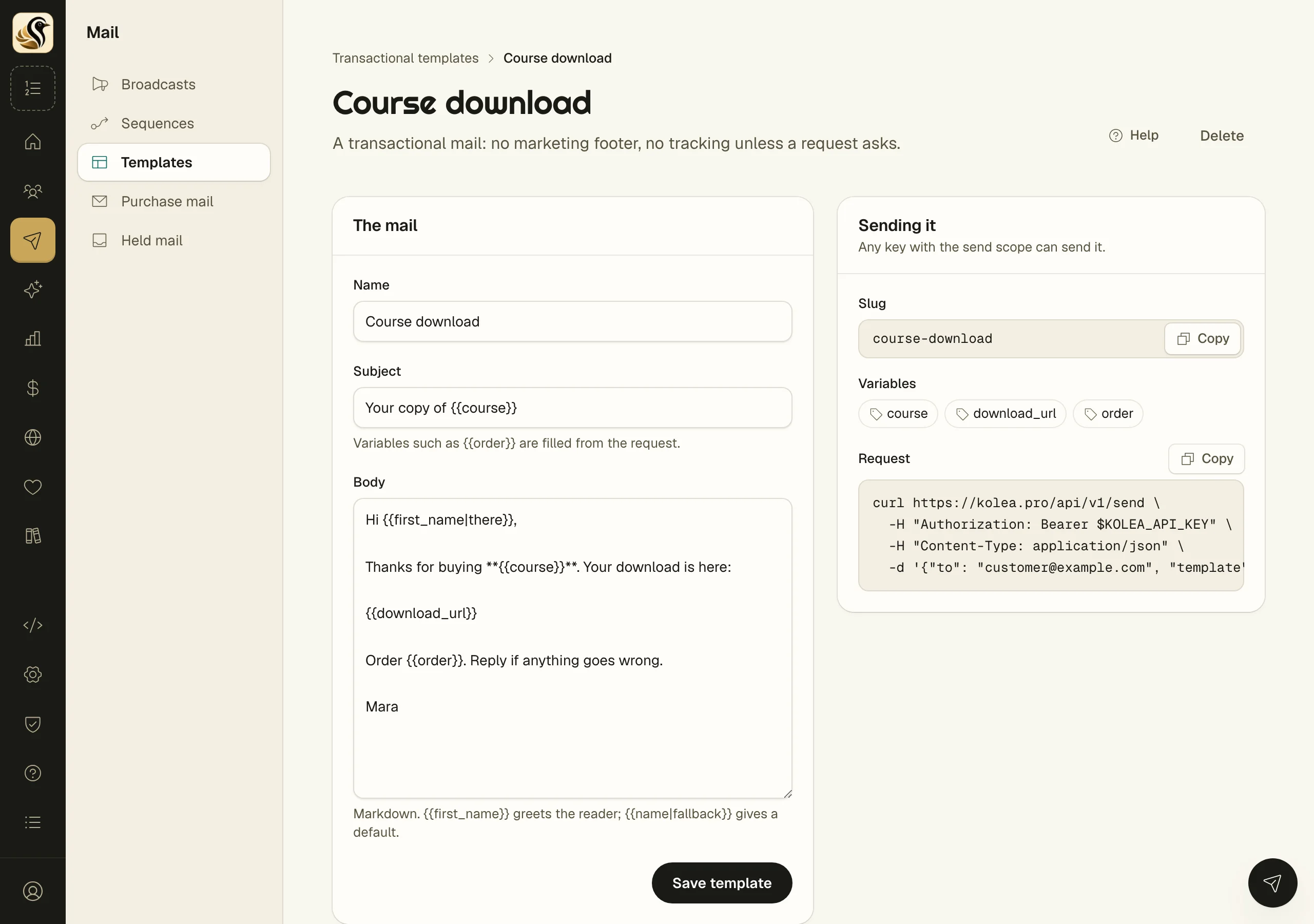
- Give it a Name, a Subject, and a Body. The body is Markdown.
Put a variable anywhere in the subject or body by writing its name inside double curly braces, for example order. Your request fills it in. To give a default, follow the name with a vertical bar and the default, as in first_name|there.
- Click Save template.
Send it
The panel Sending it beside the template shows its Slug, the Variables it uses, and a Request ready to copy. A request names the template by its slug and passes the variables. Your account's send request looks like this:
curl -X POST https://kolea.pro/api/v1/send \
  -H "Authorization: Bearer $KOLEA_API_KEY" \
  -H "Content-Type: application/json" \
  -d '{
    "to": "reader@example.com",
    "from_email": "you@your-verified-domain.com",
    "subject": "Your receipt",
    "markdown": "Thanks for your order, **Ada**.",
    "idempotency_key": "order-1234"
  }'
The request needs an API key that can send. Create one under API keys; a key that can only send cannot read or change your list. The full request and response are in the send API reference.
What happens next
Kōlea answers as soon as the mail is safely accepted; it does not wait for delivery. If the address is not on your list, a quiet record is made for it, and that person is never added to a sequence or sent marketing mail.
Things to know
- Transactional mail has no marketing footer and no tracking, unless the request asks for tracking.
- An unsubscribe from your newsletter does not stop a receipt. Only a hard bounce or a spam complaint on that address does.
- Send the same idempotency key twice and the second request returns the first result and sends nothing, so a retry never mails twice.
- The slug is set once and never changes, so renaming a template does not break your app.
- Deleting a template makes requests that name it fail from then on. Mail already sent is unchanged.
- A request can carry its own subject and body instead of naming a template.